How To Get The Top Notch Booking App

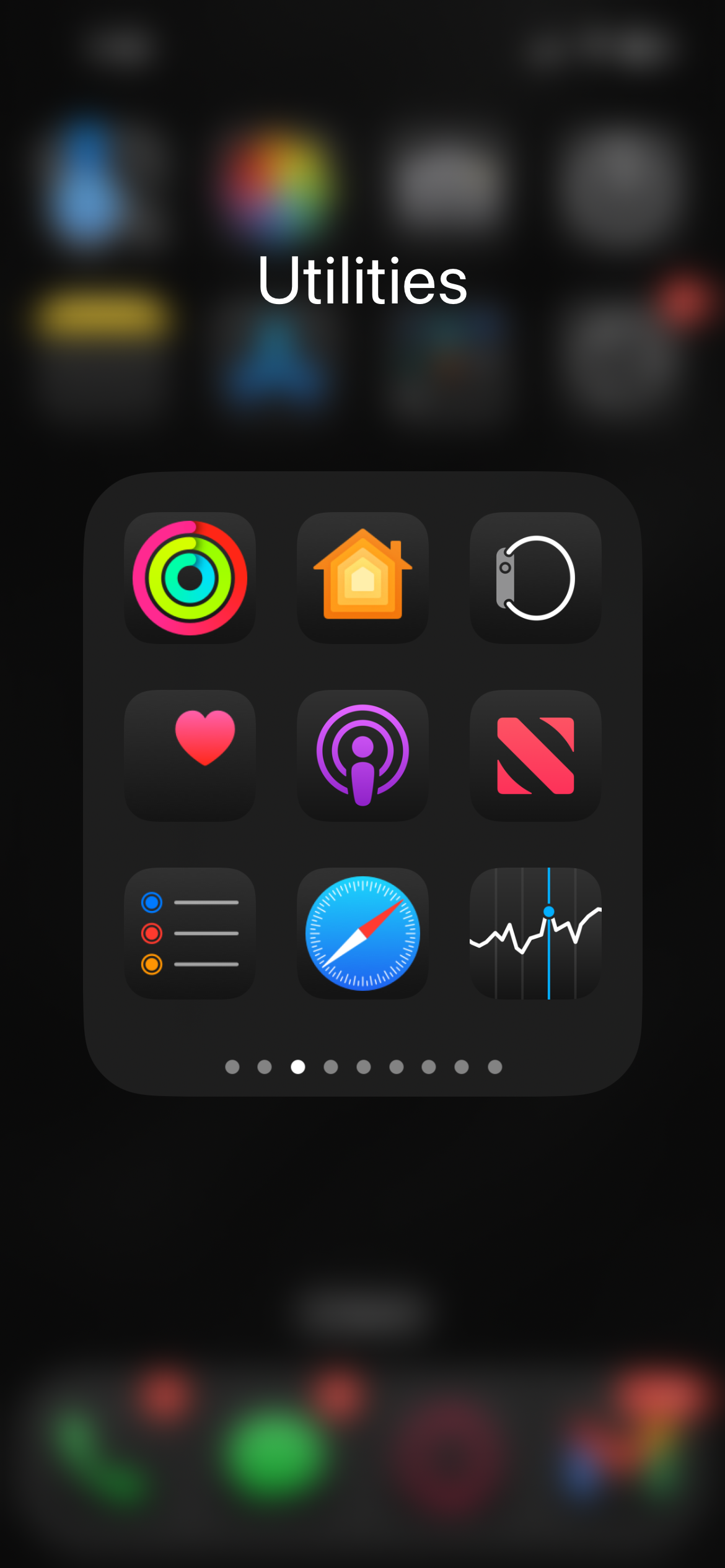
  • Screenshot of an iPhone with the 'Utilities' folder open, showing various app icons including Activity, Home, Mindfulness, Heart Rate, Podcasts, News, Weather, Safari, and Stocks.

    Use Safari

    Make sure to use a search engine like safari for this processes.

  • Arrow pointing upward from inside a square, indicating upload or export

    Go To The Website Homepage And Click Share At The Bottom

    Next, go to topnotchresults.com and click the share button at the bottom of your screen.

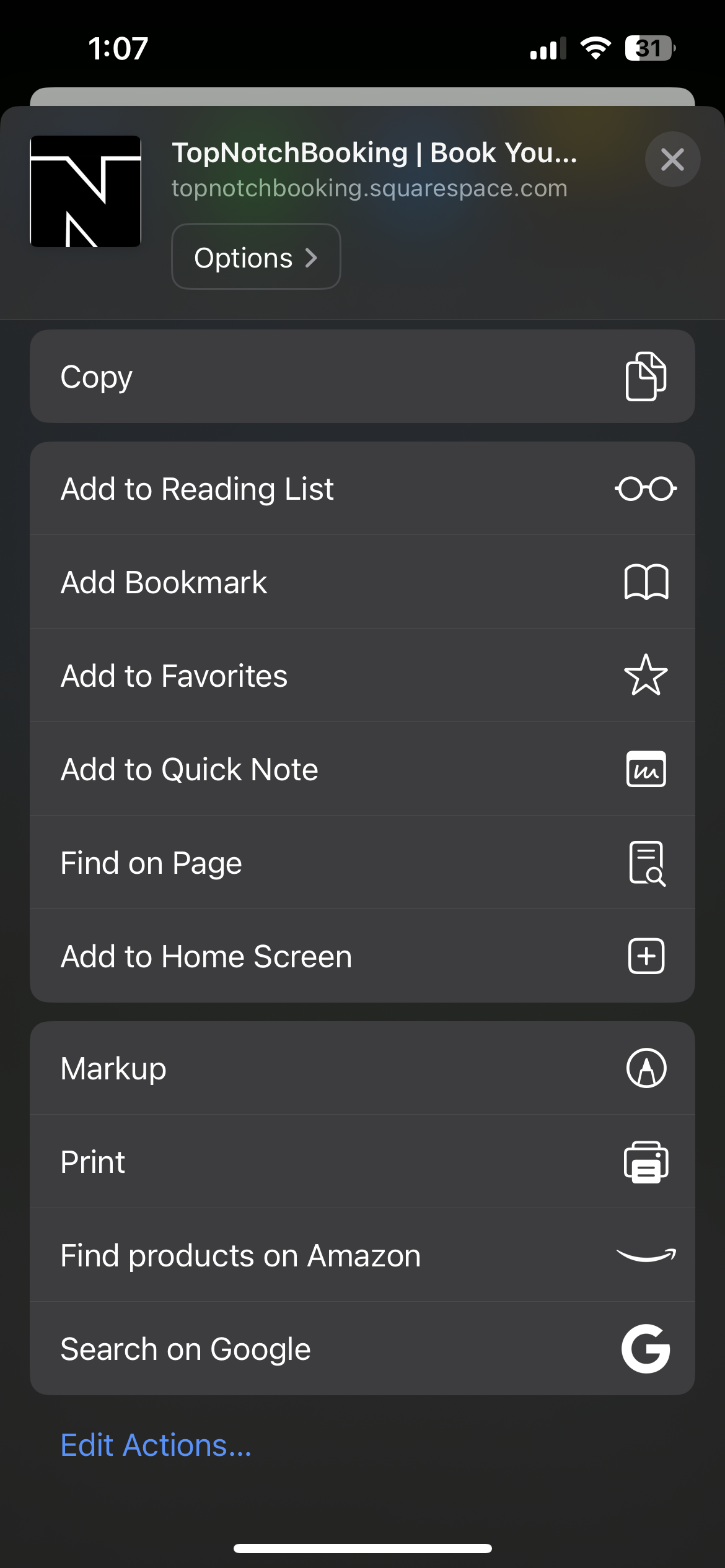
  • Screenshot of a mobile device with a share menu open for a webpage titled 'Top Notch Booking | Book You...' on topnotchbooking.squarespace.com. The menu includes options such as copy, add to reading list, add bookmark, add to favorites, add to quick note, find on page, add to home screen, markup, print, find products on Amazon, and search on Google.

    Click Add To Home Screen

    Then scroll down till you see the “add to home screen” button and click it. Now it should show up on your home screen.